- Advantos ERP v7 Online Documentation
- Admin Manual
- Contact Us

Delete Website for Individual HOA/Client
|
IntroductionThis process is intended to remove one of your clients from using Hometastic. It removes the actual client web site from Hometastic and updates Hometastic information from within the Advantos Enterprise application. Deletion StepsThe following steps need to be taken on the Hometastic web server:
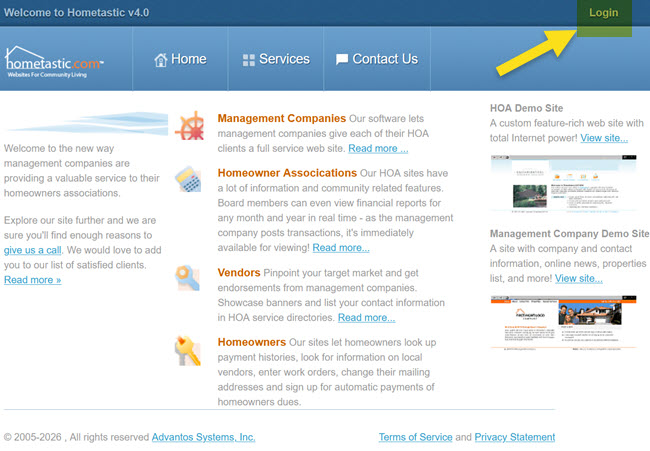 Enter your credentials as the management company. These credentials were given to
you by Advantos. If one of your clients manages their own site select "HOA" instead
of "Management Company" (this is not often the case).
Enter your credentials as the management company. These credentials were given to
you by Advantos. If one of your clients manages their own site select "HOA" instead
of "Management Company" (this is not often the case).
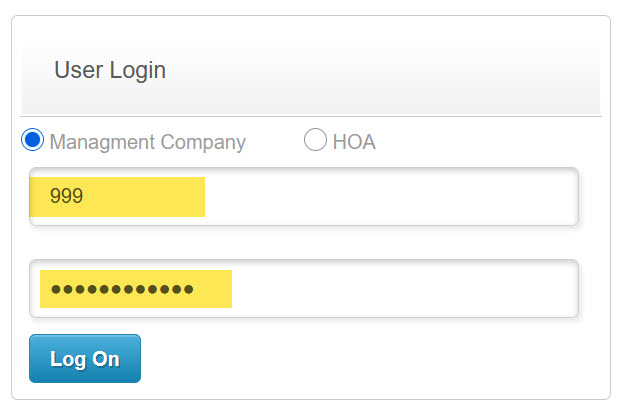 Upon login, the "Manage Clients" webpage will be displayed with a list of all HOA/Clients
authorized use of Hometastic. In this form click on the Edit link of the HOA/Client
you wish to delete.
Upon login, the "Manage Clients" webpage will be displayed with a list of all HOA/Clients
authorized use of Hometastic. In this form click on the Edit link of the HOA/Client
you wish to delete.
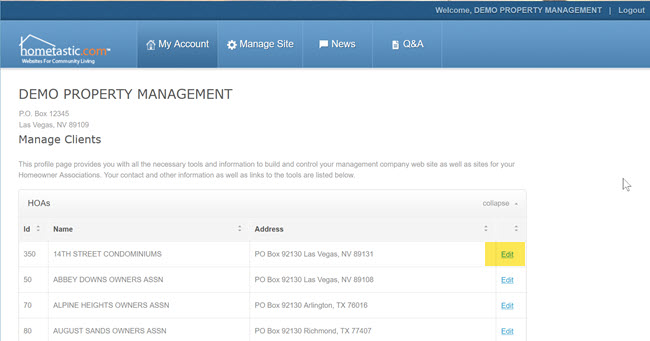 On the bottom right of the HOA/Client's web configuration page is a [Delete HOA] button.
Click on this button to delete the website and update the Advantos Enterprise database.
On the bottom right of the HOA/Client's web configuration page is a [Delete HOA] button.
Click on this button to delete the website and update the Advantos Enterprise database.
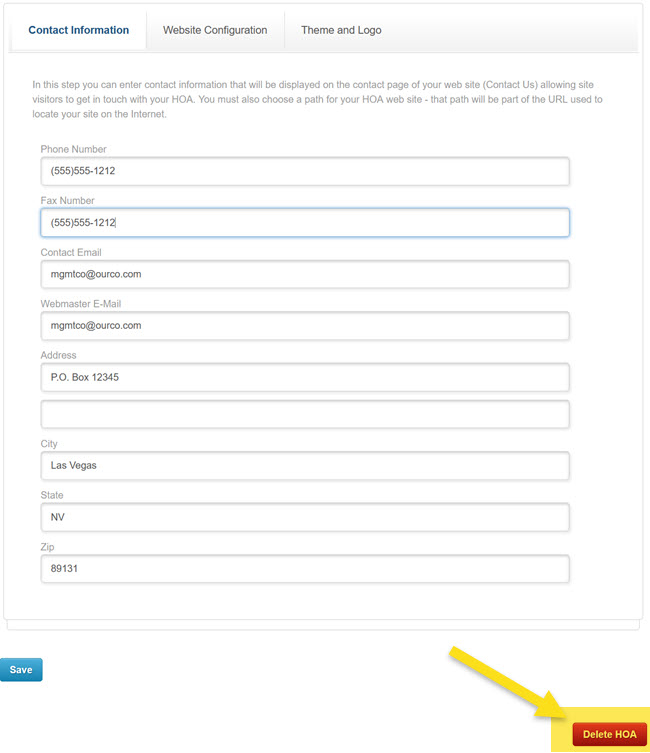 Finally, log out of the Hometastic admistration tool.
You will find this task is done and the HOA/Client website will be deleted. |


Copyright © 1985-2026 - Advantos Systems, Inc. - All rights reserved.